A small number of machines appear to get stuck during the Day 1 firmware update (version 1.0.7). This can happen if a button is pressed while the update is finishing. Here is how to address the problem.
Update Successful screen
After installing the update, the screen displays the message:
“Update Successful – Firmware has been successfully updated to version 1.0.7. Device will restart.”
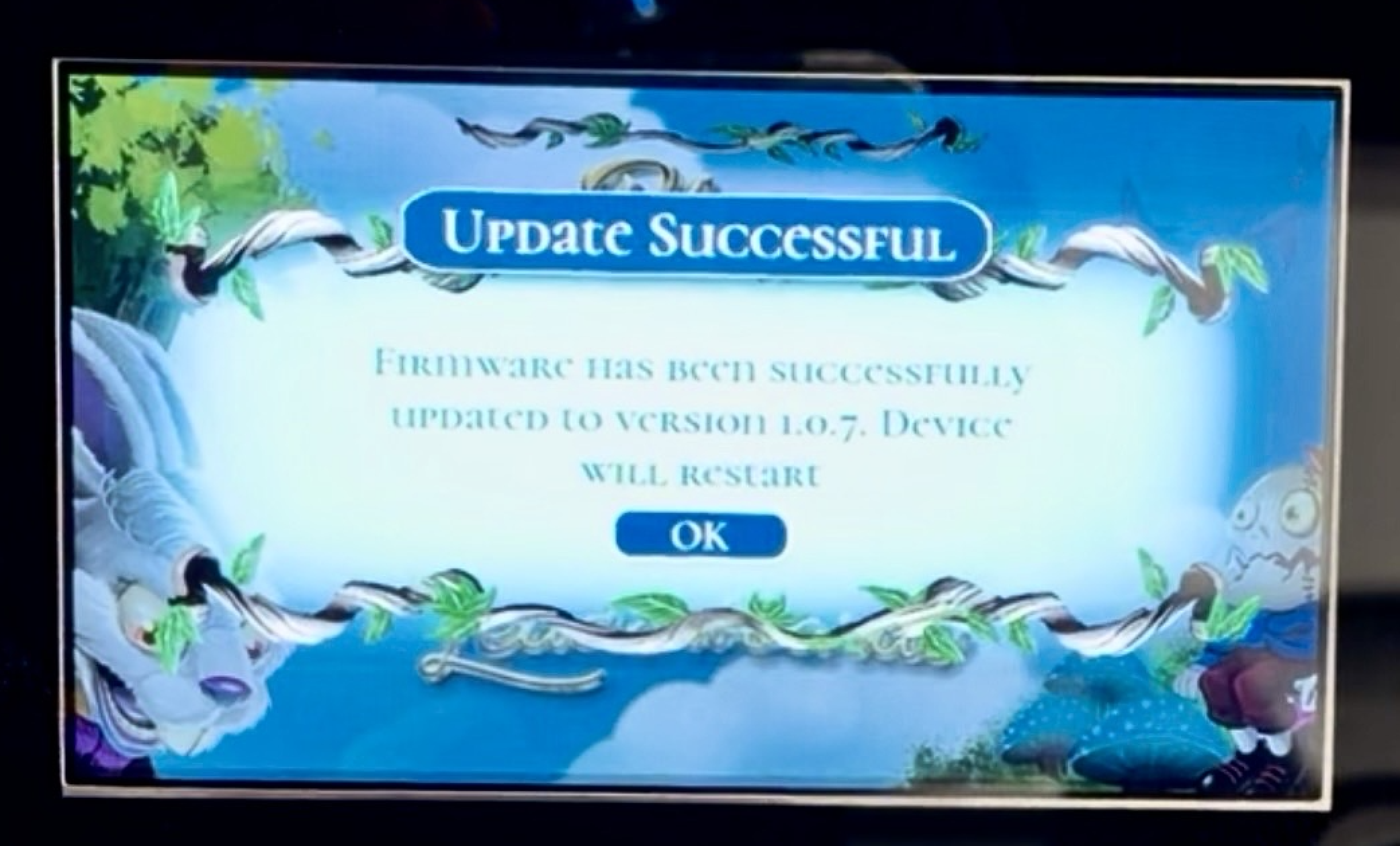
The screen would appear to invite the user to press an action button to acknowledge OK. However, at this point the update process is still finishing in the background.
Do not press any action buttons.
If either the left or right red action buttons are pressed while this screen is displayed, the update can be interrupted. When this happens, the machine will return to the main menu as if all is ready to go. If you try to start a game, this happens:
No ball launches
Flippers do not respond
The game appears stuck
Correct Way to Finish the Update
When the “Update Successful” screen appears:
Do not press any buttons.
Instead:
Leave the machine alone and allow the update to complete.
Wait up to 10 minutes for the machine to restart automatically.
If it has not restarted after 10 minutes, turn the machine off and back on.
If Your Machine Is Already Stuck
If your machine already started a game but no ball appears:
Turn the machine off.
Turn the machine back on.
If the machine asks to install the update again, allow it to run.
When the “Update Successful” screen appears, do not press anything. Allow the machine to finish the update process.
This should allow the firmware update to complete normally.
If your machine is still not updating, try this one last step:
Leave the front power switch in the ON position but turn off the power switch on the bottom of the machine. Wait 1 minute, then power the machine back on from the bottom switch.
If this also doe snot work, please contact us at support@wonderlandamusements.com
Was this article helpful?
That’s Great!
Thank you for your feedback
Sorry! We couldn't be helpful
Thank you for your feedback
Feedback sent
We appreciate your effort and will try to fix the article